SpotX – No Ads on Spotify for Windows
2025-02-14
🔗 All the files you need (Spotify client + SpotX) are here:
If the SpotX GitHub repo is ever down, you can still install everything from this link!
🚀 How to Install
Get the Spotify Client
- Download it from this Google Sheets link.
- Or grab it from the Google Drive.
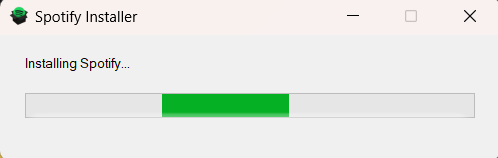
Close Spotify (if it's running).
Download SpotX
- From the Google Drive link.
- Or get it from the official repo: GitHub Repo.
Run the Installer
- Right-click
Install_Auto.bat→ Run as administrator. - It’ll patch Spotify automatically. Just let it do its thing.
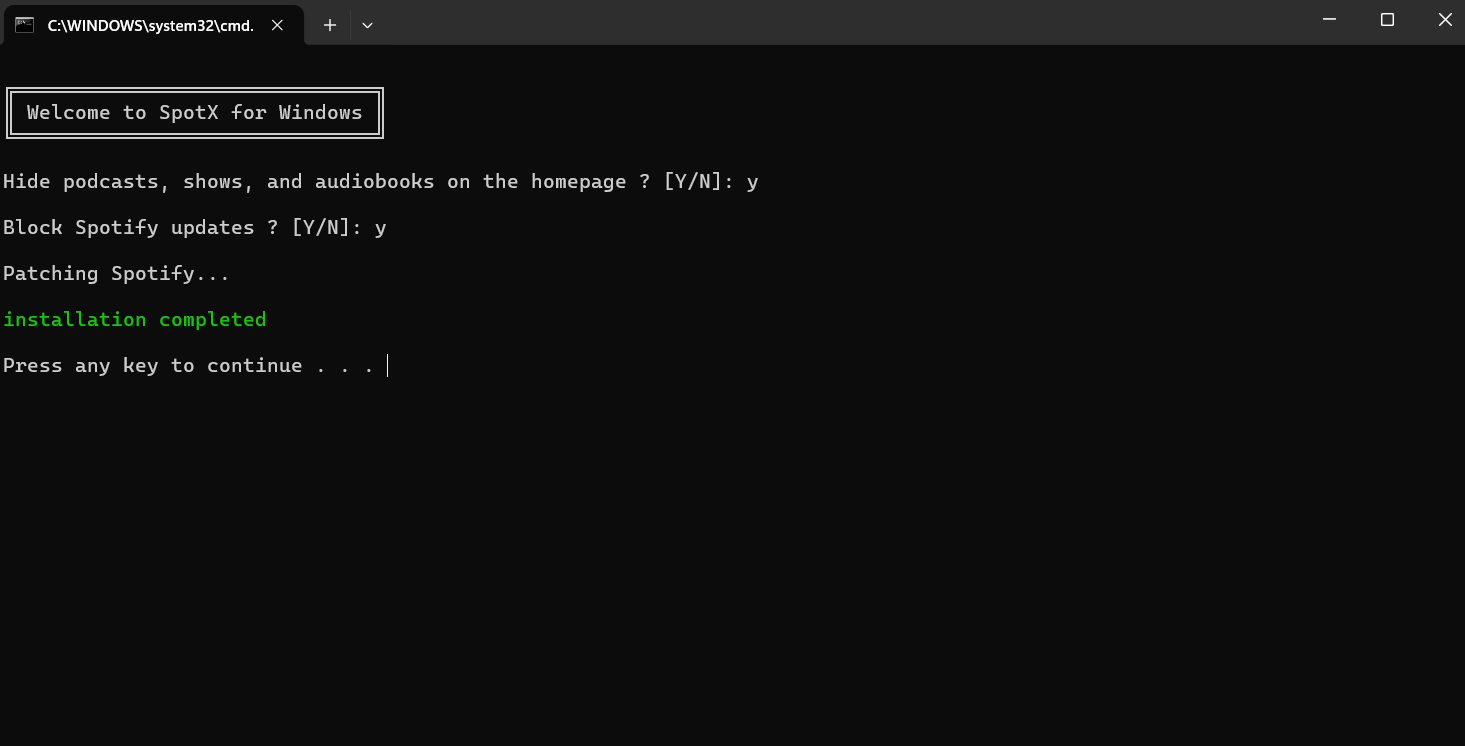
- Right-click
Open Spotify and enjoy no ads! 🎶
🔥 Extra Info
- Works only with the desktop version of Spotify (NOT the Microsoft Store version).
- Blocks ads, disables tracking, and enables extra features.
That’s it! Enjoy ad-free Spotify. 🚀