Download VS-Code on Linux
2024-12-04
Visit the Visual Studio Code download page.
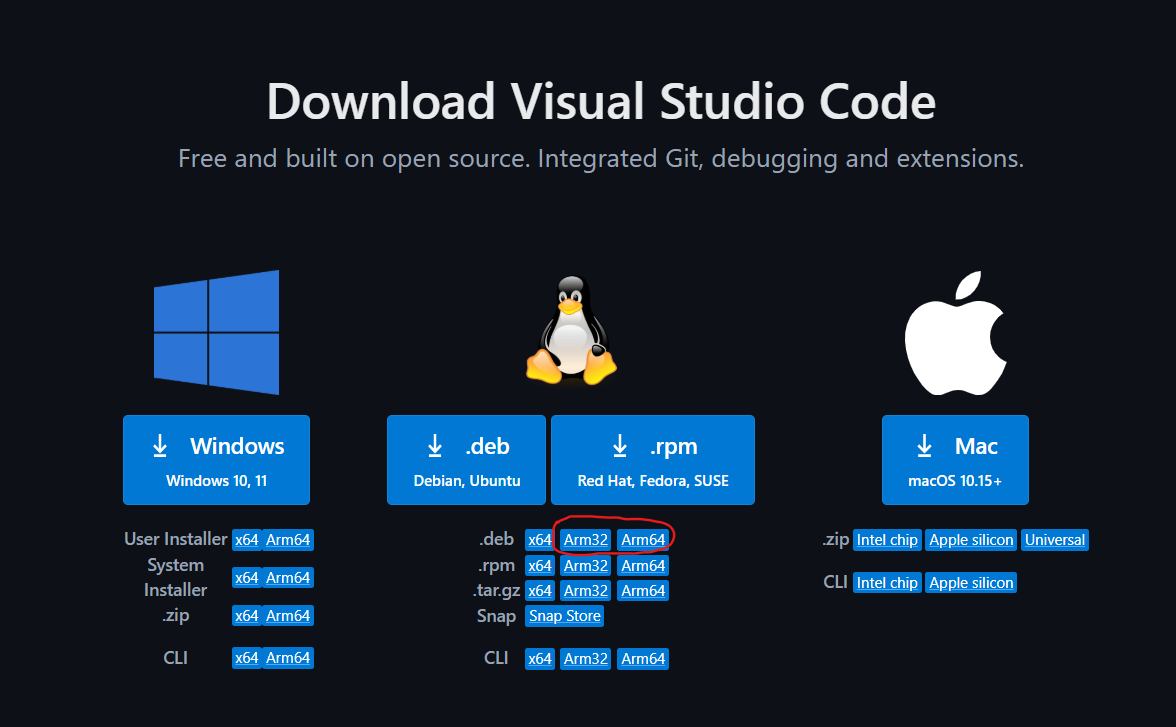
Download the appropriate
.debfile for your system.Once the download is complete, open a terminal and run the following command to install it:
bashsudo dpkg -i ./the-vscode-.deb-file(Replace
./the-vscode-.deb-filewith the actual file name you downloaded.)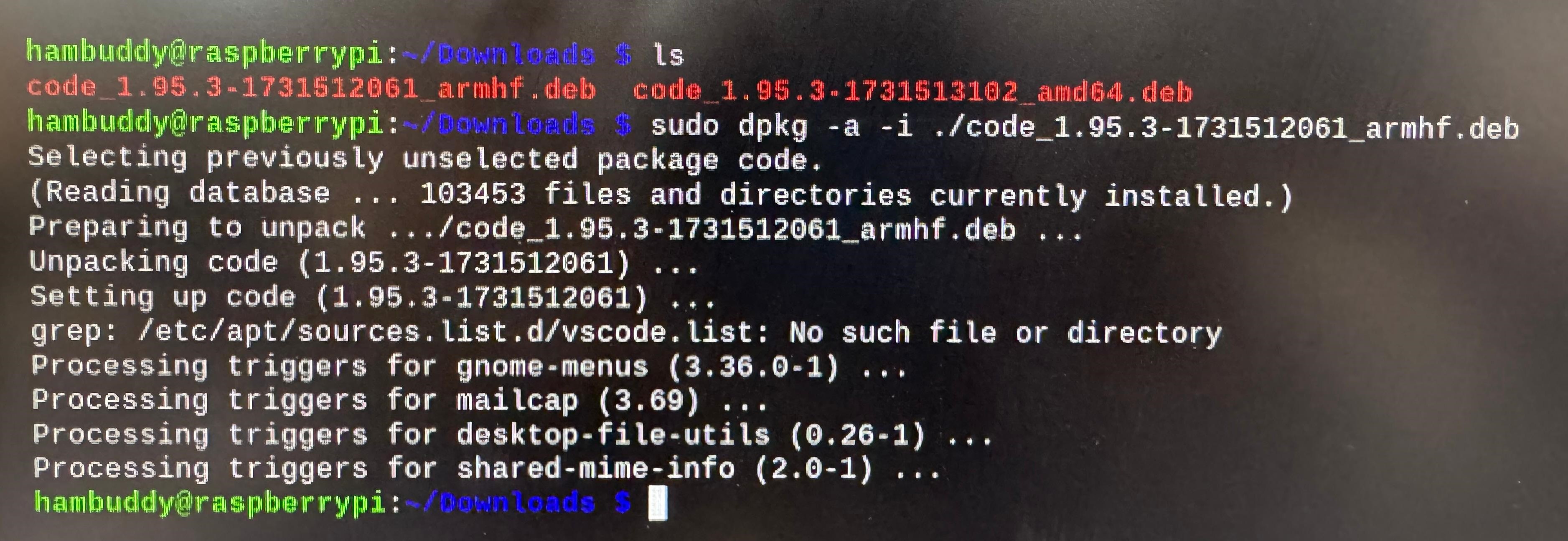
The installation process might take a while, so feel free to grab a snack while it completes.