Fixing that annoying `^[]11;rgb` garbage in Tmux & Windows Terminal
2025-12-26
Table of Contents
If you use Windows Terminal to SSH into your Linux box (like my Debian server) and use tmux, you’ve probably seen this absolute garbage pop up on your screen when you attach to a session:
^[]11;rgb:1e1e/1e1e/1e1e^[\abda@elwahsh:~$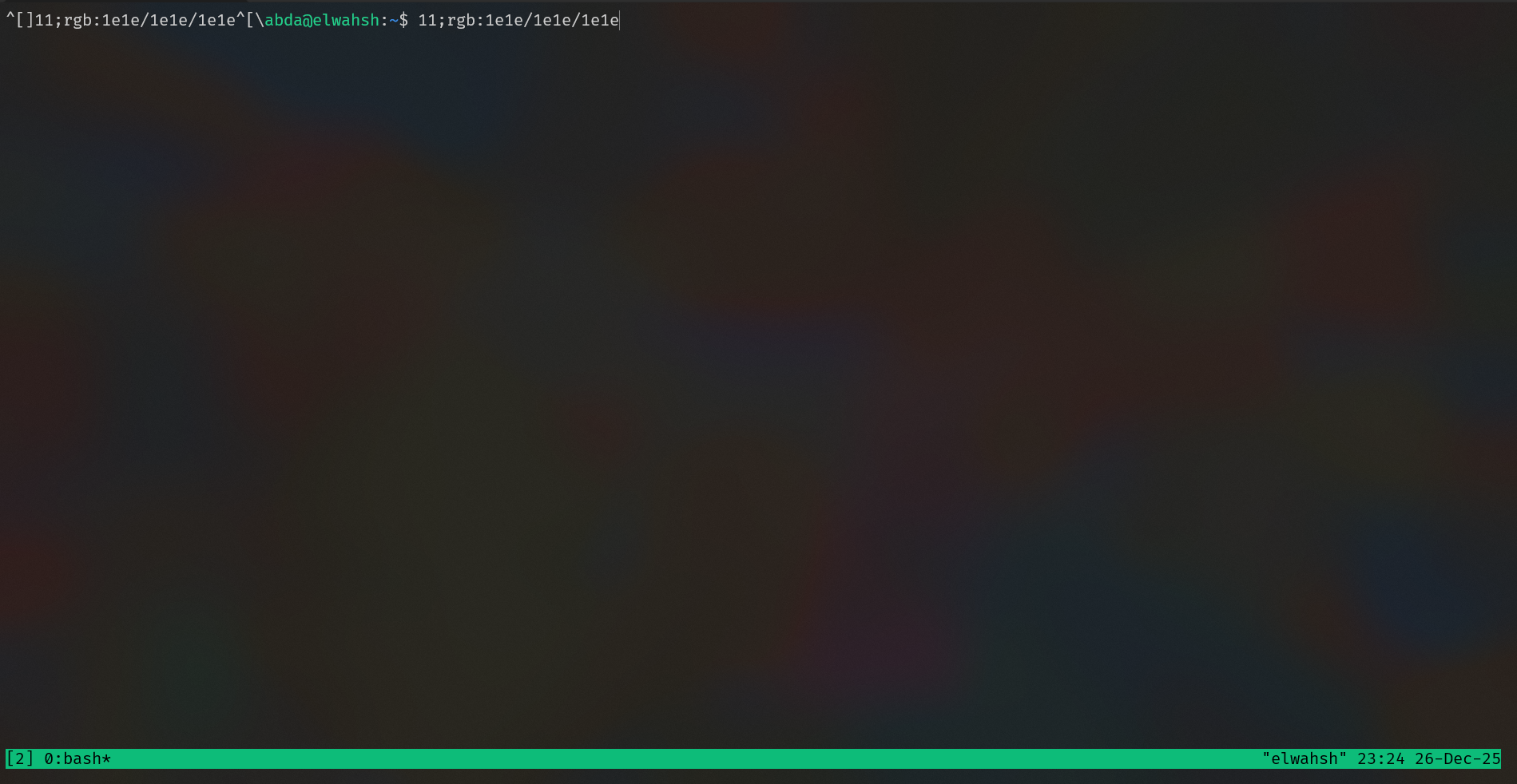
It drove me crazy. I’m just trying to get back to work, maybe check some logs or code, and instead, my terminal vomits this color code at me. It looks like I smashed the keyboard, but I didn't touch anything.
I tried everything to fix it. I messed with my .bashrc, I tried changing the terminal type to vt100 (which broke my colors, useless), and I even tried ignoring specific characters in .inputrc. Nothing worked.
The Problem
It turns out, this is a timing issue.
Windows Terminal is "smart" and tries to tell the server what background color it's using. It sends a response code back to Linux. But because I'm using SSH, there’s network latency. tmux sees the start of the message (the Escape key ^[) and thinks, "Oh, he pressed Escape."
Then, 10 milliseconds later, the rest of the message arrives, and tmux just prints it as raw text.
The Fix
The fix is stupidly simple. You just have to tell tmux to wait a little longer before deciding that an Escape character is just an Escape character.
Open your tmux config:
CODEnano ~/.tmux.confAdd (or change) this line. If you have it set to
0or10(which a lot of vim users do), bump it up:CODEset -sg escape-time 5050ms is the sweet spot—fast enough that Vim doesn't feel laggy, but slow enough to catch those SSH packets.
Important: You have to kill the tmux server for this to kick in. Detaching isn't enough.
CODEtmux kill-server
That’s it. No more garbage text, and you can keep using Windows Terminal without it acting weird. Hope this saves you the headache I just went through.